
From imported hands to review
Choose a database and sample, then trace summary and street statistics back to individual hands.
On this page
Start reviewing imported hands
Open Hand & Action Analysis. Import history files through Data Management or sync through GG data import. Check the records in Hands, then open Summary for overall statistics. Follow a metric into its street page and inspect the related hands.
Choose a page
| Page | Use it to |
|---|---|
| Summary | Read core statistics, profit trends, fees and tournament luck |
| Hands | Find, sort and review individual hands |
| Preflop Analysis | Compare preflop statistics by seat, stack and facing action |
| Flop Analysis | Inspect flop actions and opportunities |
| Turn Analysis | Inspect turn continuation bets, delayed bets and other actions |
| River Analysis | Inspect river actions and showdown-related statistics |
| Data Management | Import, recalculate, switch databases or clear data |
| GG data import | Sync, check and back up GG downloads |
Filters and view scope
Summary, Hands and the four street-analysis pages share the top filter controls. Choose CASH/MTT and NLH/PLO as applicable, then open Filter to set common, game, Hero, board, time or hit conditions. Select Apply to use them or Reset to reset filters. Active conditions appear as tags.
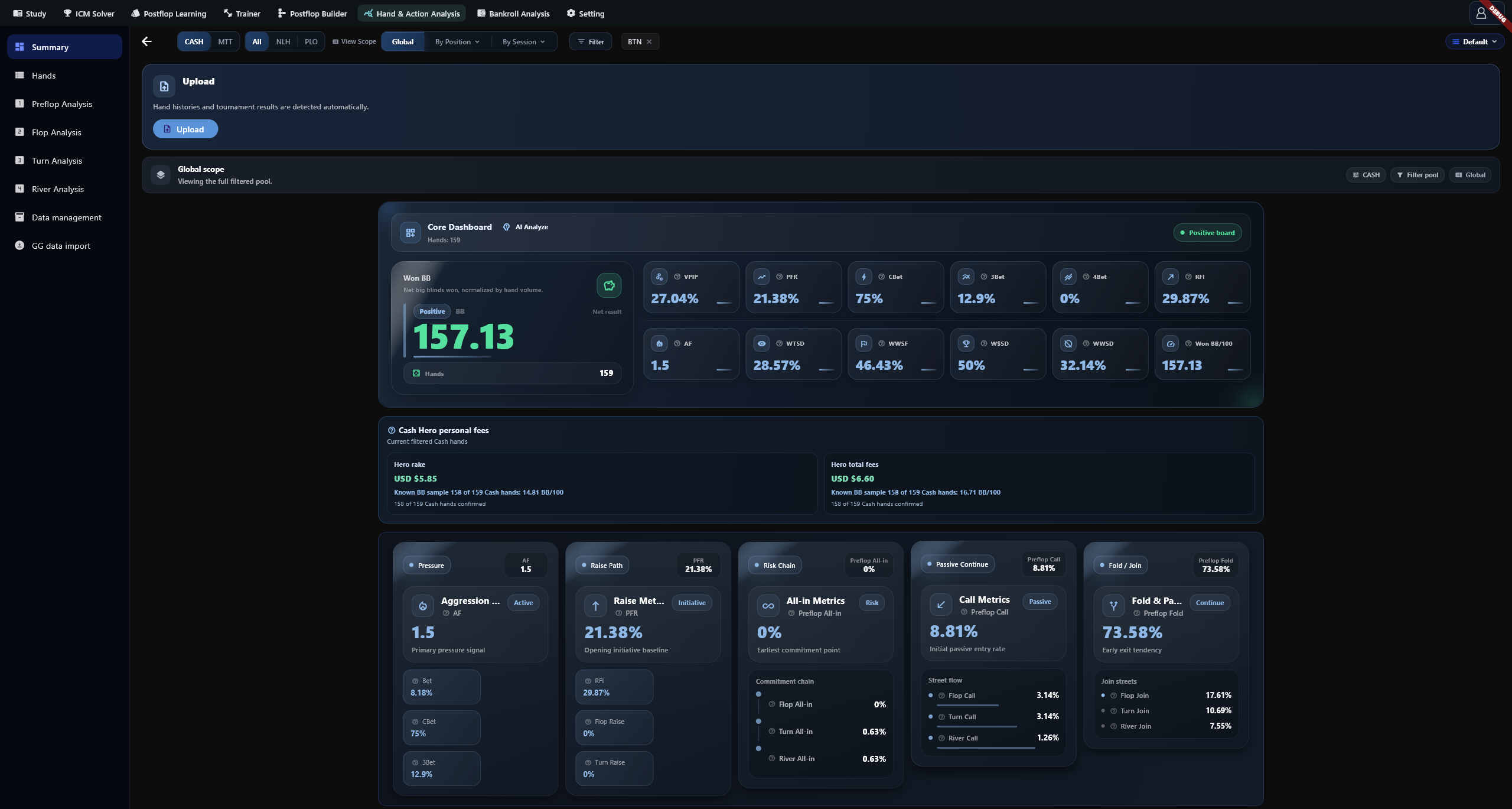
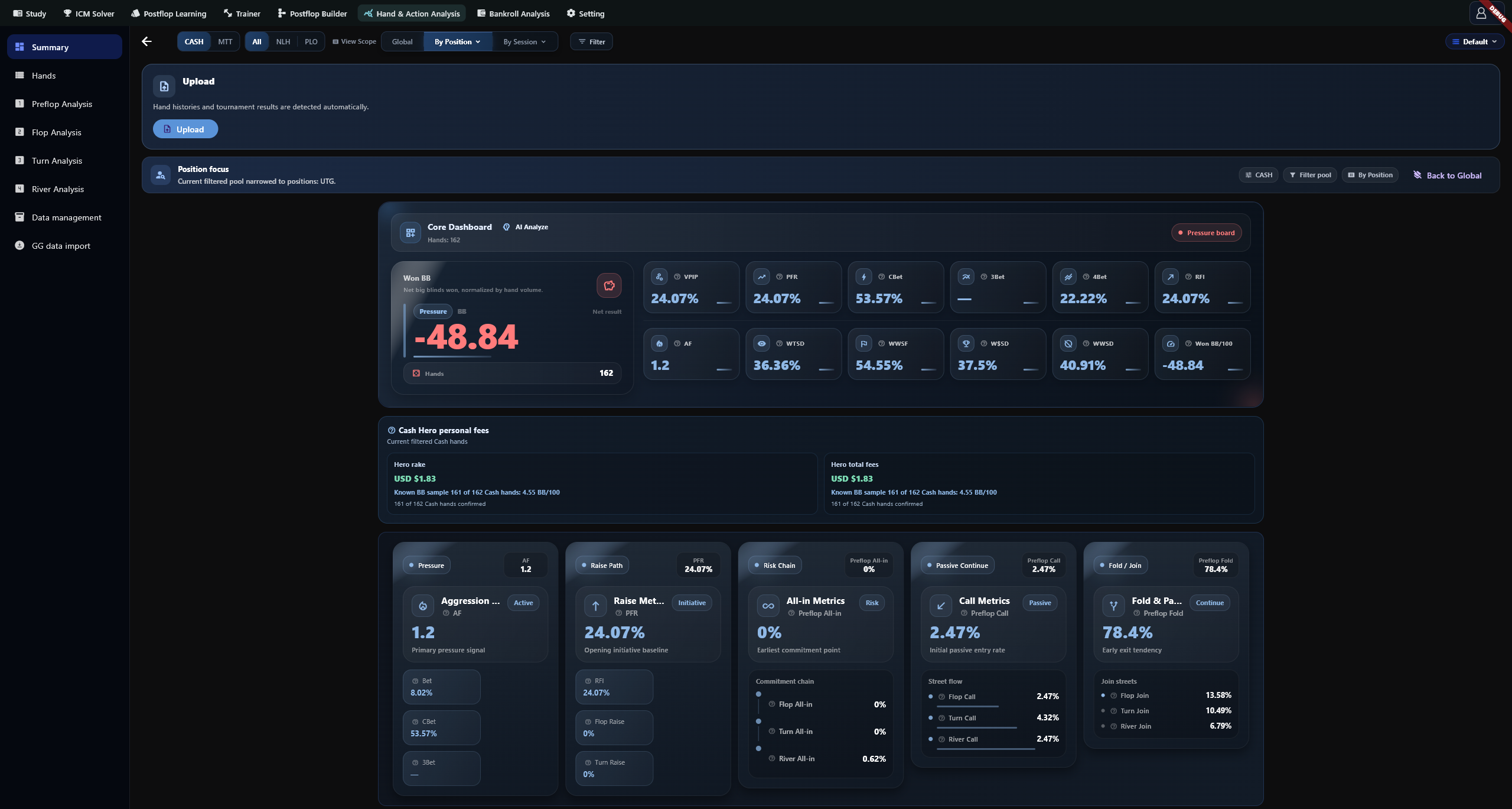
View Scope offers All, By Position and By Session. The latter two open comparison panels; selecting positions or sessions creates a subset. Closing a panel does not cancel that subset. Back to Global removes the subset while retaining other filters. Check the scope tags before comparing results.
Database and action scope
Hand analysis and bankroll share the active database. Switching databases changes the data available in both modules. Imports, recalculation and clearing operate on the active database regardless of analysis filters or subsets. Data Management and GG data import do not use the analysis filter bar.
Follow your question
To find one hand, filter the Hands table and open its detail. To inspect an action, right-click its street statistic and select Show Hands. To reconcile a period, set the date range before comparing trends and sessions. Metrics can have different denominators, so check both opportunities and sample scope.