
Check and install updates
Check release availability, install an update and read version history.
On this page
Check manually
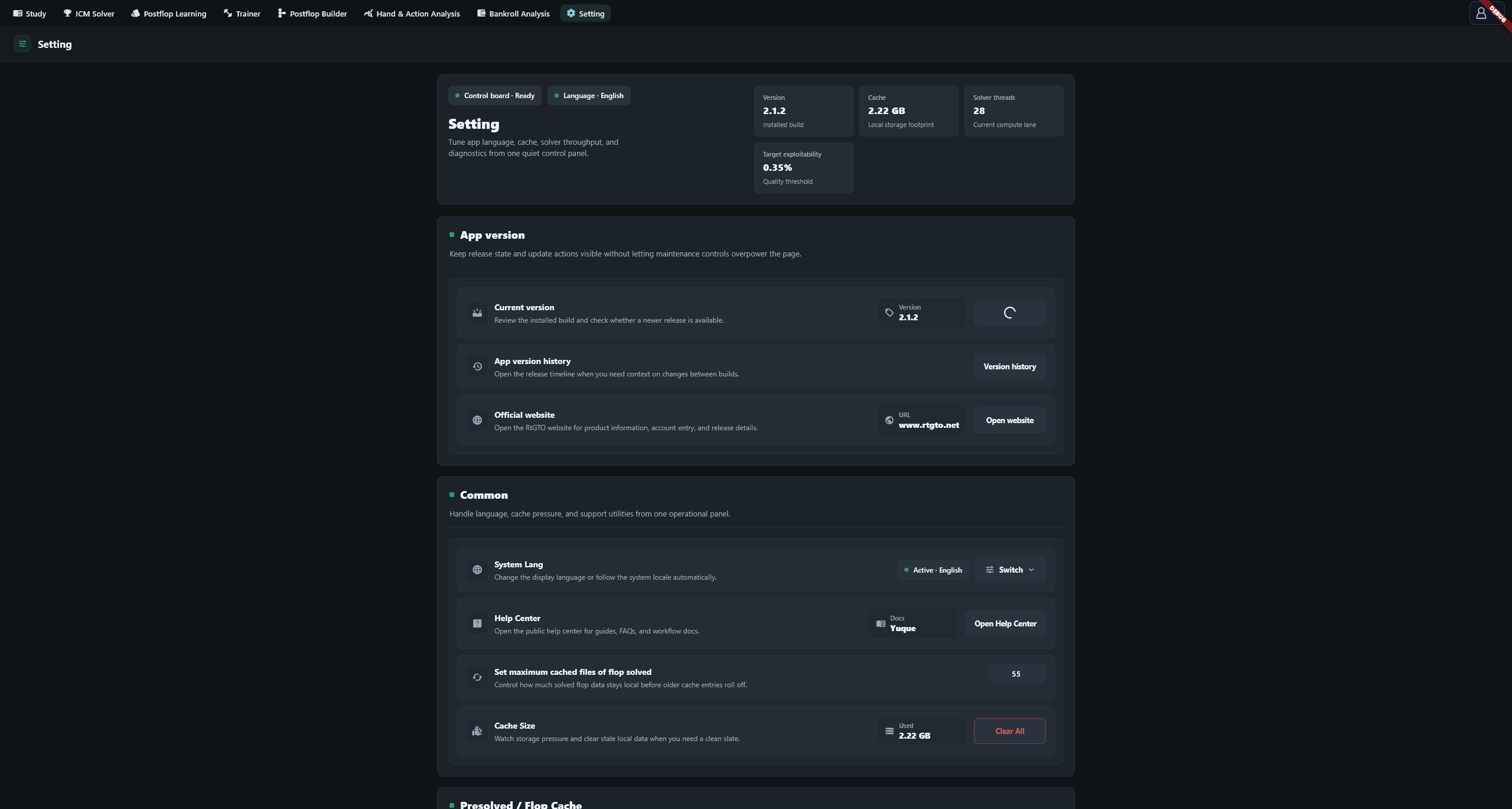
Open Setting → App version → Current version and select Check update. The app also checks at launch, but both an up-to-date result and a failed check can be silent. Run a manual check to distinguish them.
Act on the result
| Result | Next step |
|---|---|
| Discover New Version | Read Update Notes and select Update Now. Later closes this prompt; it can return at the next launch |
| Discover New Version (Forced) | Select Force Update; this dialog has no Later option |
| Already up to date | This check found no update; select Confirm to close |
| Update check failed | Read Failure details, check connectivity and select Retry |
Download and install
Back up your current data before updating. Start the update and wait for the download. At 100%, the app still needs to verify the package. A successful verification launches the installer and closes the app. Complete the installer, reopen the app and check its version.
The download dialog has no cancel button. Retrying after a network interruption normally resumes the partial download, so progress can start above zero. Failed verification deletes the downloaded file and a retry starts from zero. The download percentage does not include installation progress.
Read version history
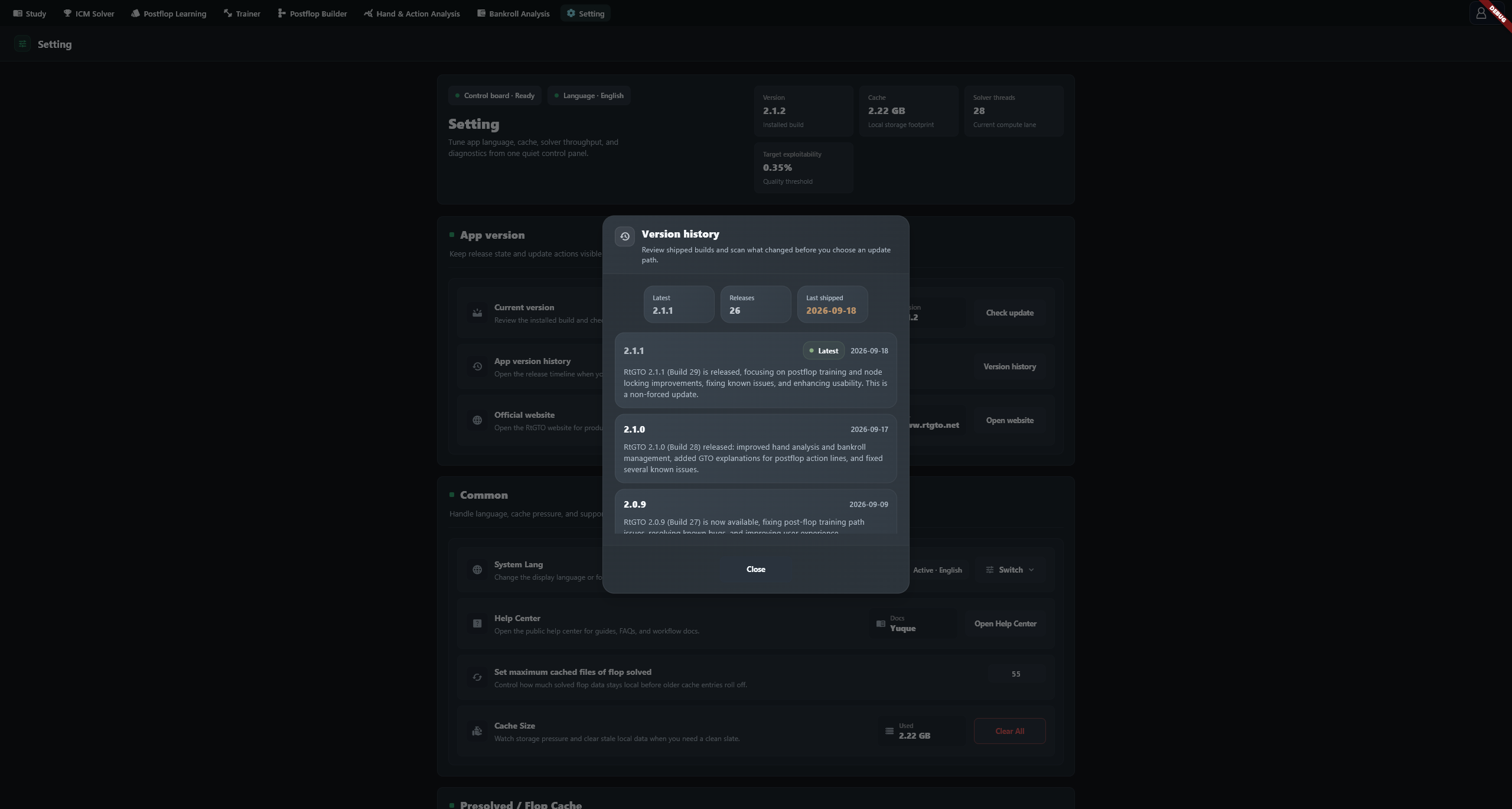
Select Version history in the App version history row to read build numbers, dates and release notes. This is a release record; its rows do not download or restore older versions.
Troubleshooting
| Message or symptom | What to do |
|---|---|
| Update check failed / Download failed | Read the error, check connectivity and free disk space, then retry |
| missing appMd5 from update metadata | Release metadata lacks a checksum; retain and report the full message |
| MD5 mismatch | The package differs from the expected checksum; download again and report repeated failures |
| downloaded installer not found | The downloaded installer could not be found; retry and retain the error |
Allow verification to finish after 100%. For a prolonged stall or repeated failure, report the installed version, offered version and complete error, rather than only the progress percentage.